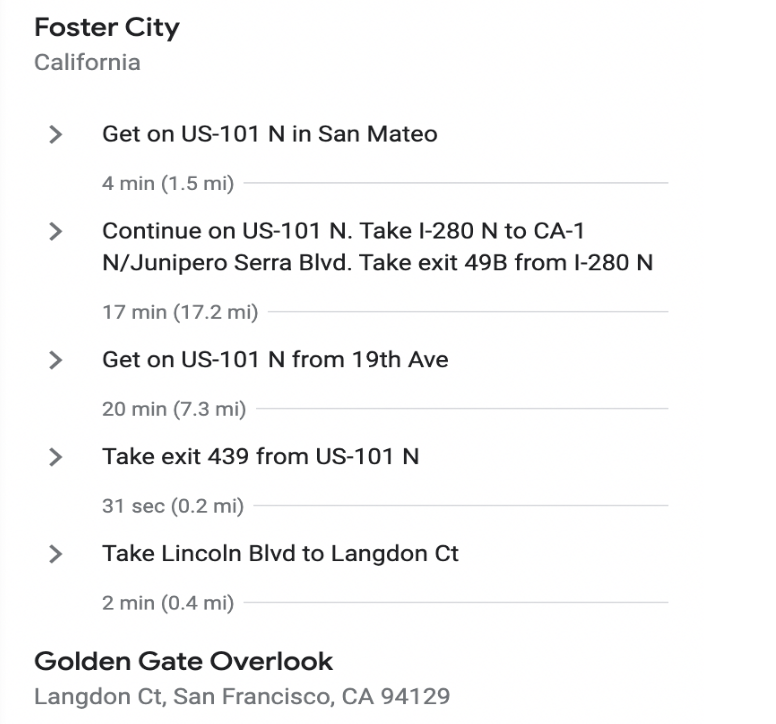
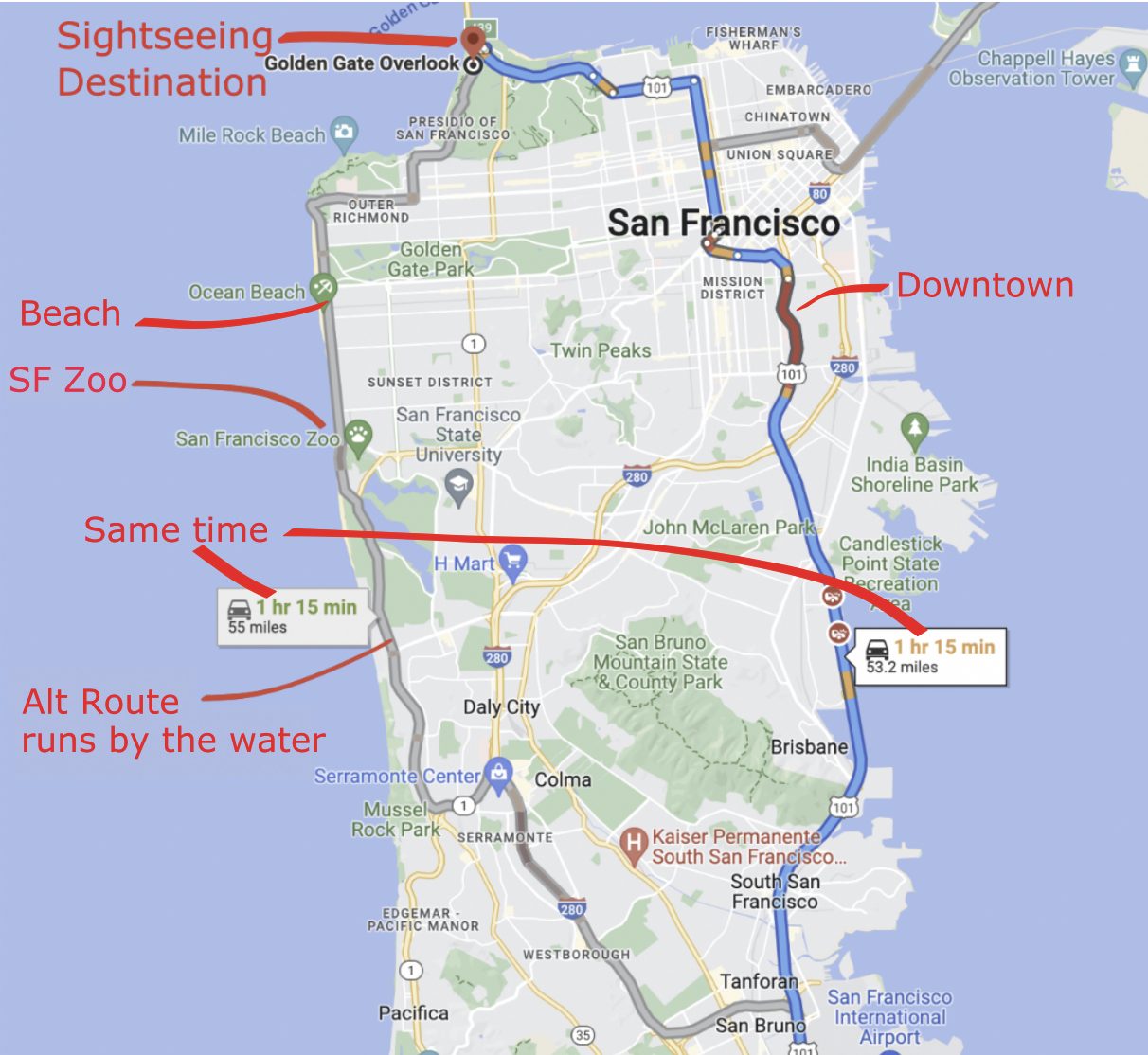
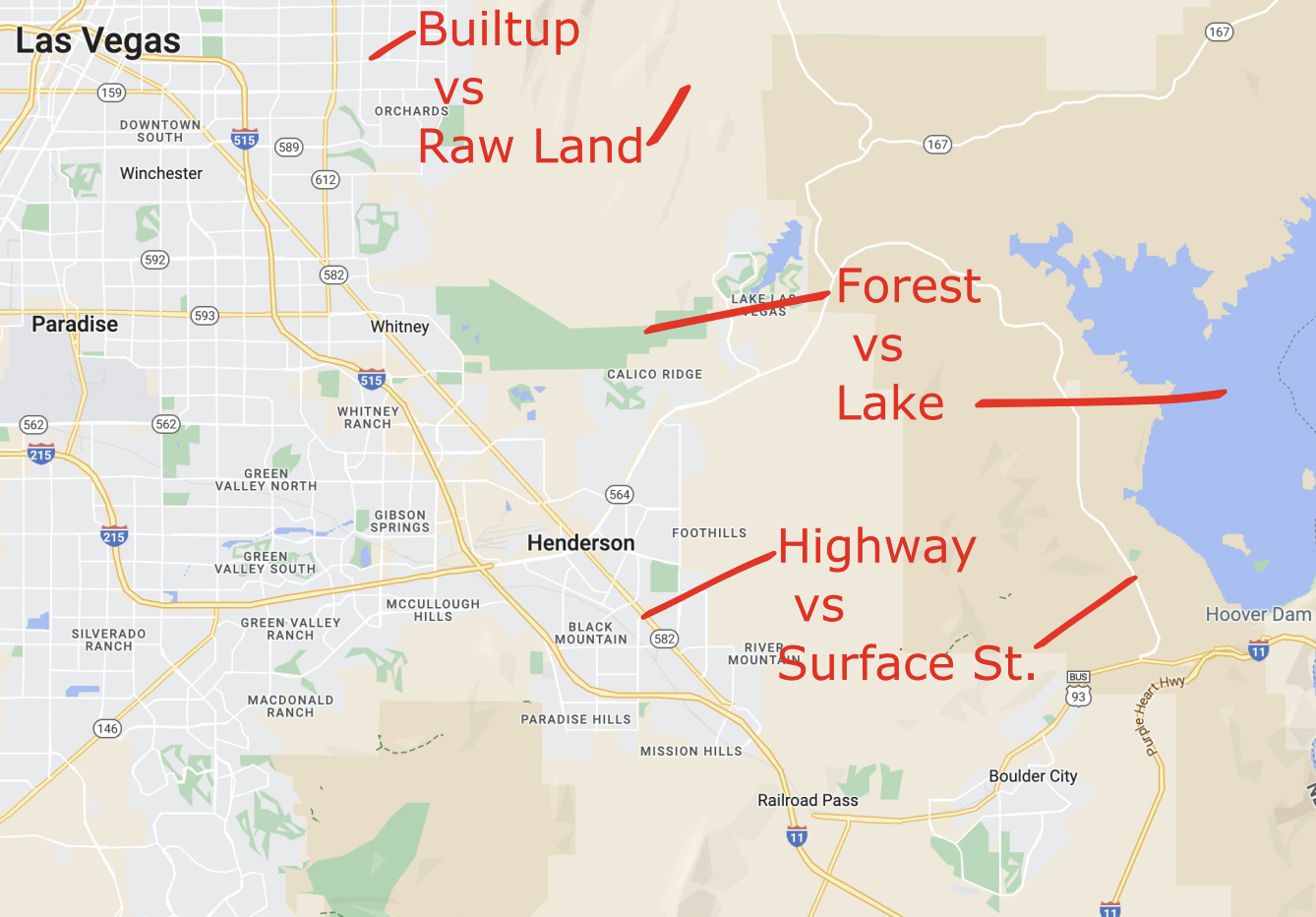
There is a wealth of information about where the target destination is, what part of the city the route passes through, expected smoothness of the drive and traffic-jams or accidents. This is at-a-glance understandability that is missing from the textual version of the directions. Graphics are more intuitive.

Context is the presence of objects in the scene that are meaningfully placed and related to the primary object of focus. These objects can provide additional information and meaning to the user.
Resources
Contact ▸ Docs ▸ Demos
Humans process shapes tens of thousands of times quicker than text. Shapes are the chief building blocks of scenes

Size matters, and conveys useful information.
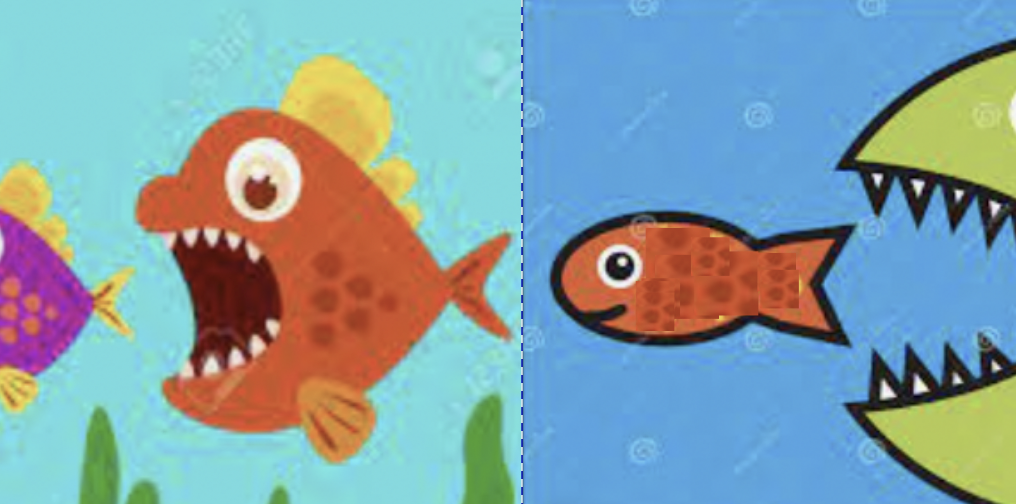
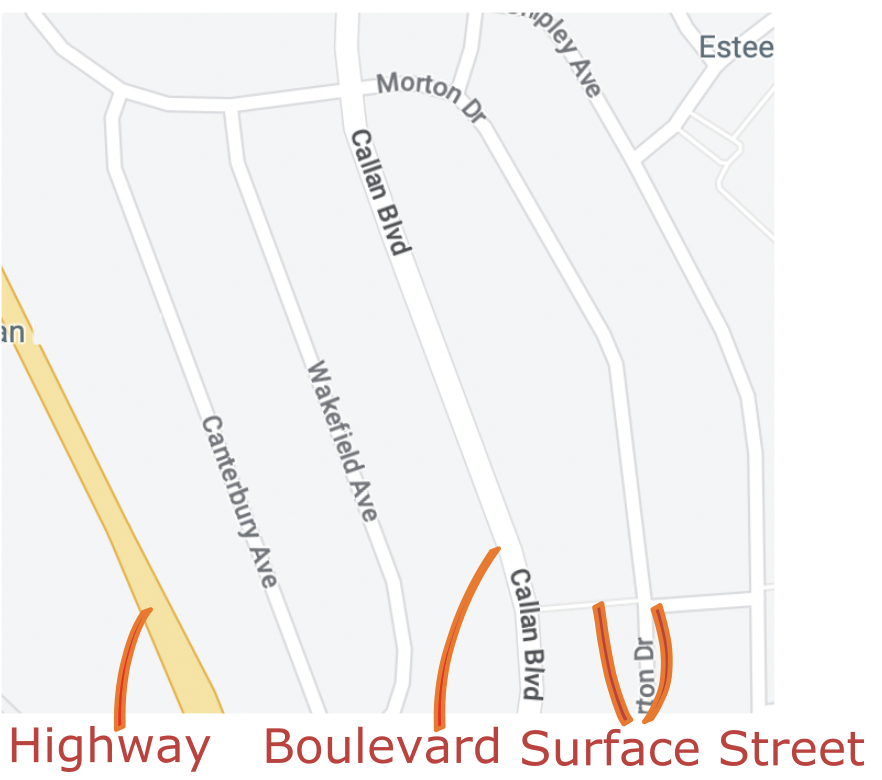
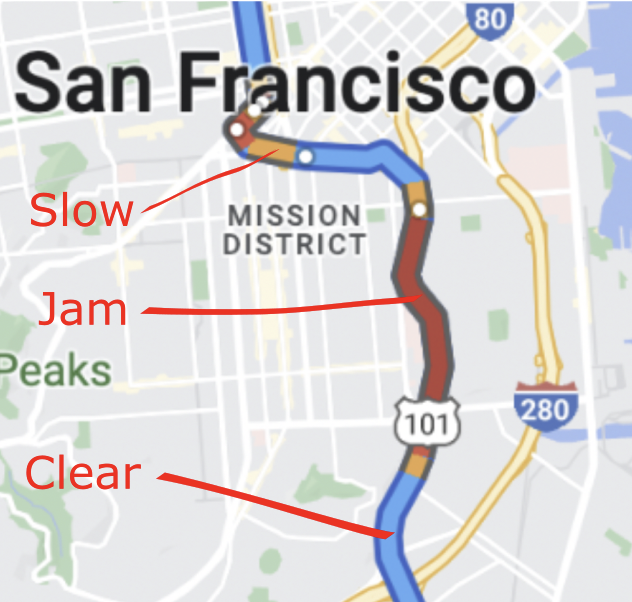
Color can be a visual variable.
Contact ▸ Docs ▸ Demos
Zoom and Pan impart a sense of motion and interactivity. Progressive Shape Enhancement allows shapes to become more detailed as the user zooms in and vice-versa.
Examples of zoom and pan can be seen in the "Dive, Dive, Dive" demo. Please click the image below. (T: 0:02, 0:29, 0:38)
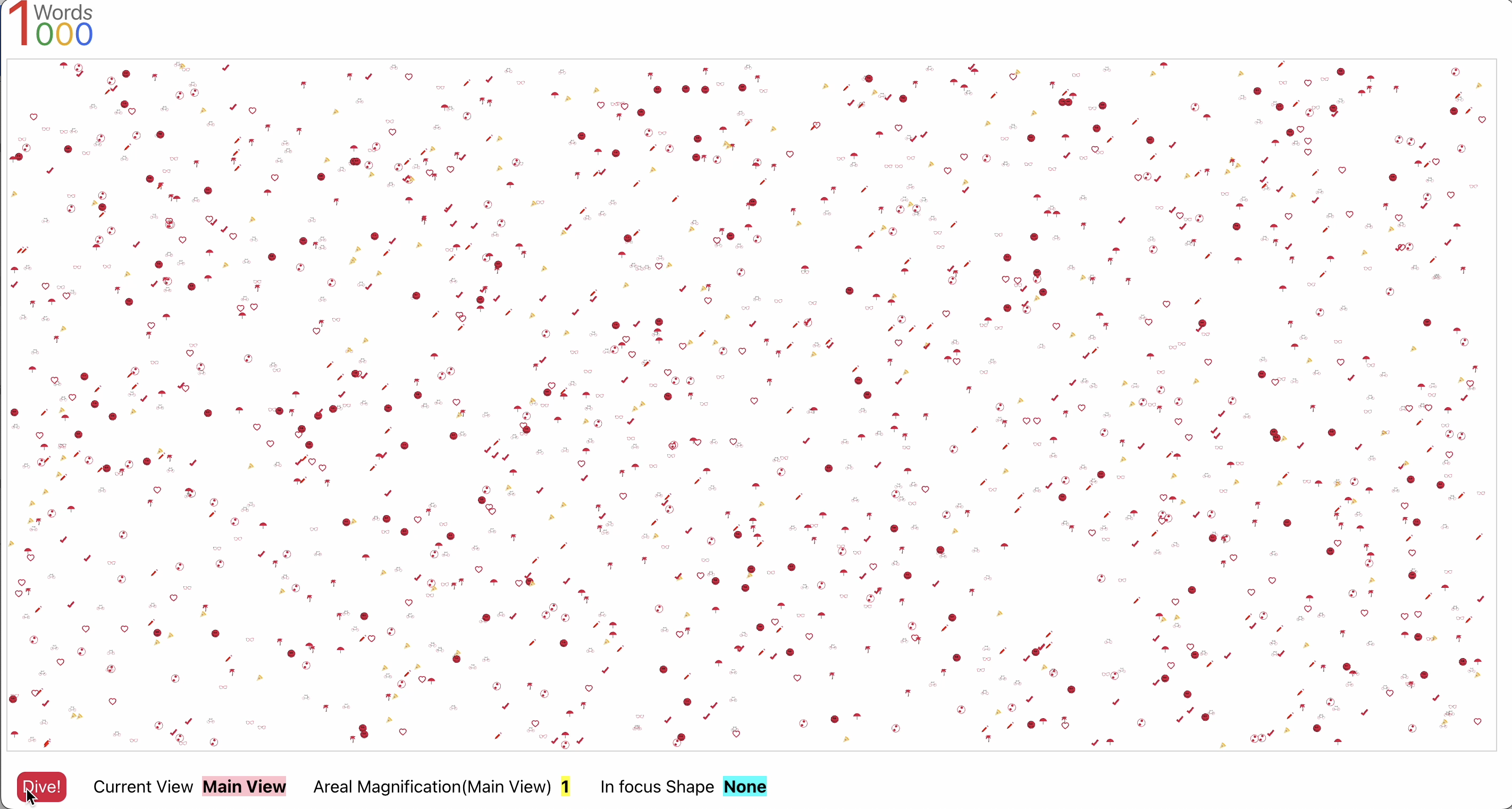
Views are normally two dimensional scenes. Infinite Canvas (see Section 9 below) extends that to very large two dimensional scenes. Layers allow depth to be added to the views. They allow groups of objects to come into, or go out of, existence, based on the current zoom factor.
Examples of layers can be seen in the "Dive, Dive, Dive" demo. Please click the image below. (T: 0:05, 0:10)
Normal zooming in allows users to focus in on few, higher resolution objects and layers allow new groups of objects to come in or out of existence.
Drilldown is diving into an object to open a new view with a different context. Drilldown can be applied hierarchically to allow users to navigate across views.
Examples of zoom and pan can be seen in the "Dive, Dive, Dive" demo. Please click the image below. (T: 0:27, 0:37)
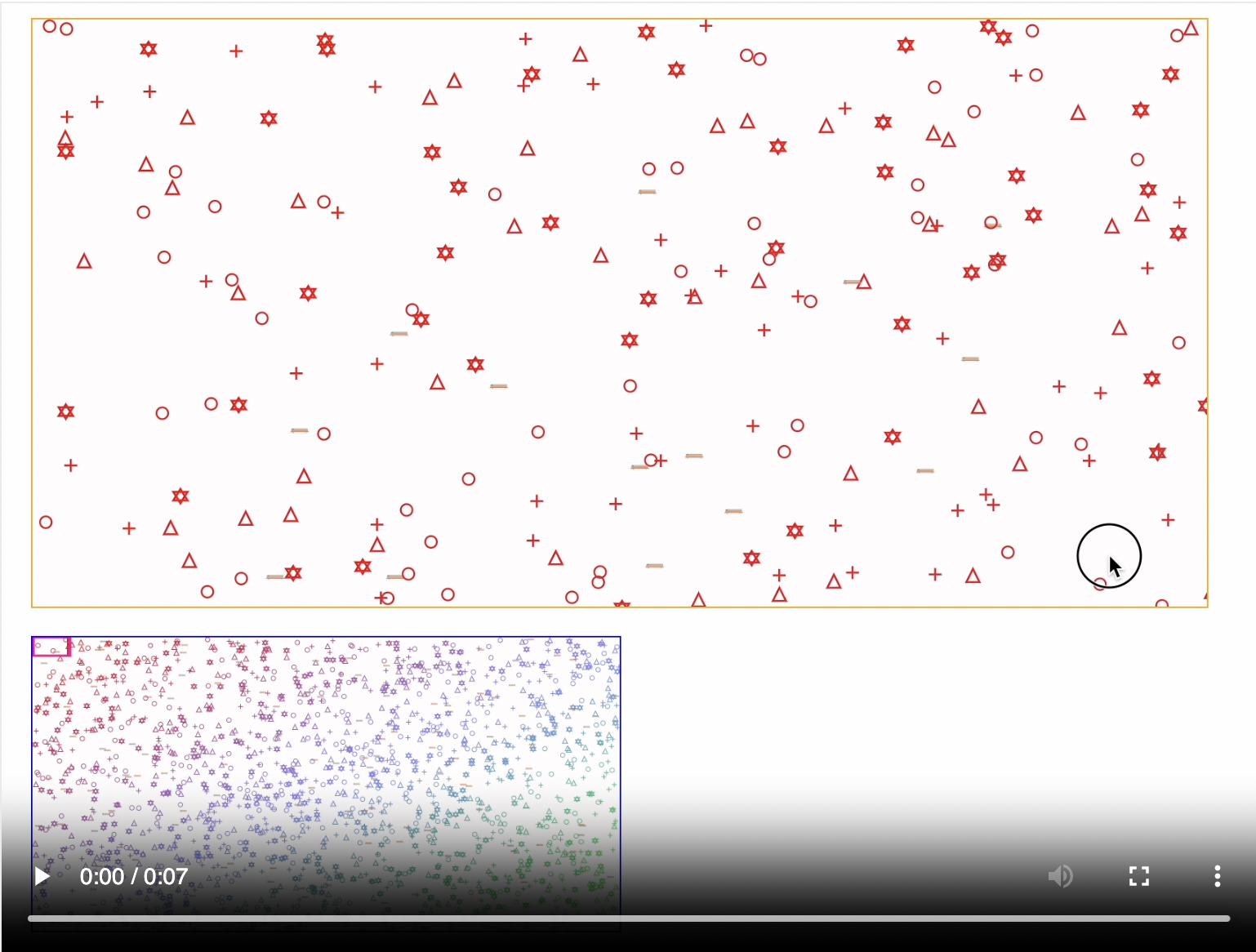
Infinite Canvas can help when there is a need to display very large scenes. Infinite Canvas comes as a pair of view. The primary view with the large surface area. There is a companion view, known as the Overview, that provides a reference to which part of the main view is currently visible. The Overview can also be used to control the main view.
Please click the image below to see an example of infinite canvas
1000words.js makes the Zoom and Pan functionality, that is invoked by the user when interactively navigating the scene, available in programmatic form.
This allows developers to implement application specific functions on top of that for the end user.
Programmatic zoom and pan can be seen in the "Dive, Dive, Dive" demo. Please click the image below. (T: 0:01 - 1:02)
Pictures speak louder than words and are pleasant to the eyes. The contents are more immediately recognized, recalled quicker and are retained for longer periods of time. This increases usability and user engagement.
The peformance of 1000words.js components is bounded on the upper side by the browser's ability to render graphics on a given computer and by how much the library can get out of the way to let the browser do its work.
For additional context, all of the smooth video captures shown on the 'demos'page, are from a modest 2022 Macbook Air.
Porting to Web Assembly can be undertaken in the unlikely event even very fast computers can't keep up with things.
Google Maps is a browser based application custom designed for one specific domain and uses canvas to implement its graphics.

As we can see the graphics depicting roads, water, parks and businesses are illustrative and not photorealistic. Similarly, 1000words.js works off SVG shapes and not photographic images.
Below are different examples of how complex the SVG shapes could, or should, be for various situations.